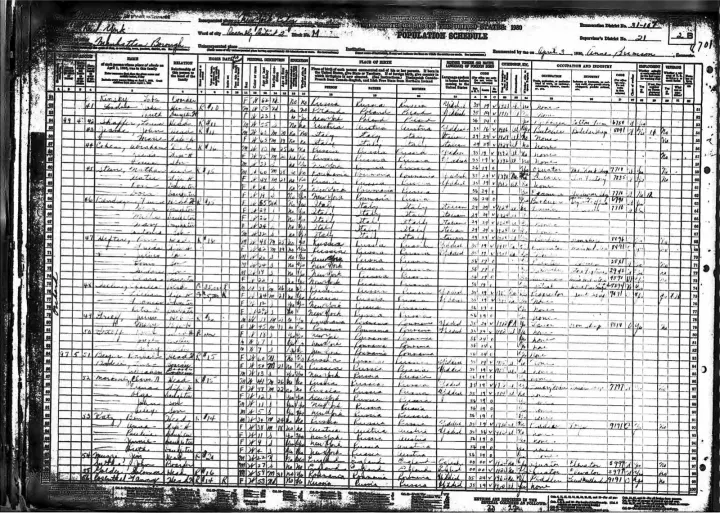
Table OCR versus spreadsheet reconstruction
OCR recognizes symbols. Table extraction adds row and column relationships. Spreadsheet reconstruction goes further by inferring formulas, types and business meaning. DocUnlocked provides reviewable extracted values; it does not recreate an authoritative workbook or guarantee formulas.
Ambiguity must remain visible
Merged cells, ditto marks, multi-line values and faint gridlines should produce review flags rather than silent shifts. A single displaced cell can corrupt every downstream row, so visual comparison is required before analysis.
Questions about this workflow
Are CSV and XLSX always included?
CSV and XLSX contain extracted rows only when a table is detected; otherwise they contain a no-table notice.
Does this rebuild formulas or spreadsheet logic?
No. It extracts reviewable rows and columns; formulas and business rules must be recreated separately.
Which cells should I review first?
Names, numeric identifiers, merged cells and multi-line entries. Automatic checks do not flag every incorrect value.
 DocUnlockedFree checkEvidence