NIST SD19
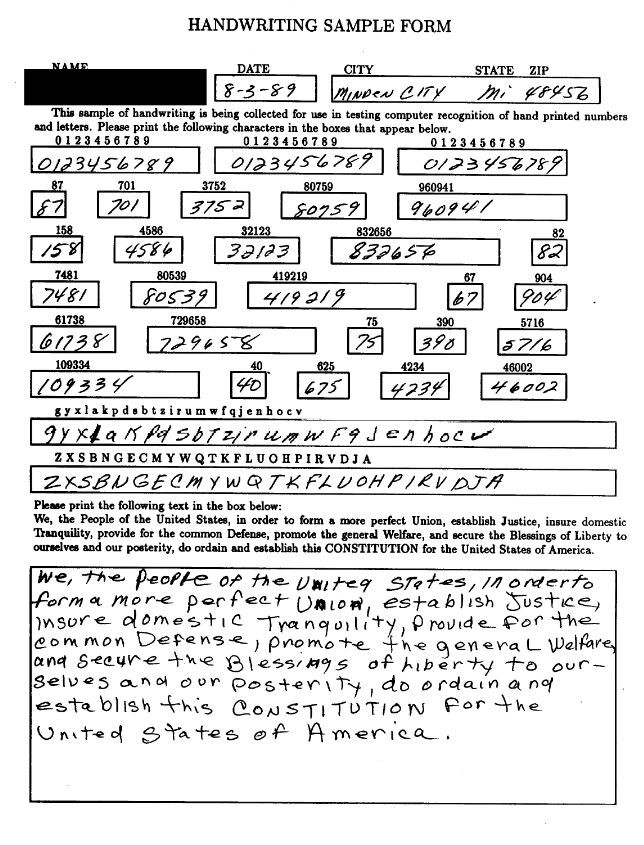
Handprinted form fields
Best fit for intake forms, service forms, patient/admin fields, sign-in sheets and inspections completed by hand.
Source: NIST SD19 handwriting sample image.
BeforePublic image
AfterReview output
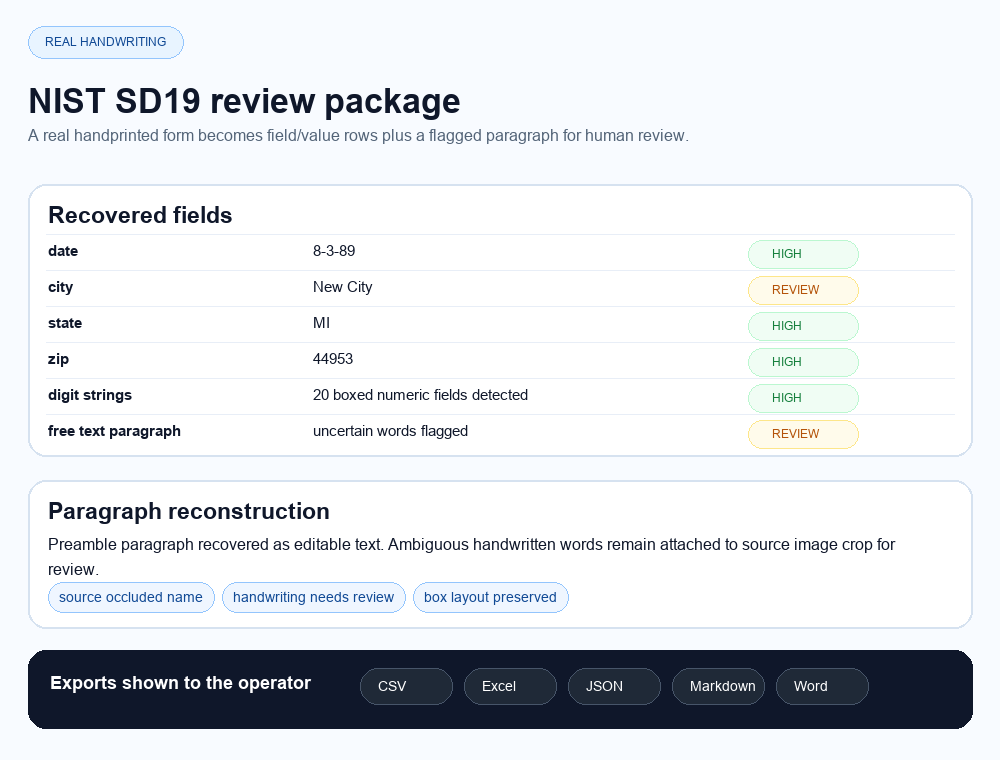
The real pain is not extracting a clean PDF. It is turning handwritten fields, cursive notes and dense handwritten tables into rows a human can validate before import.
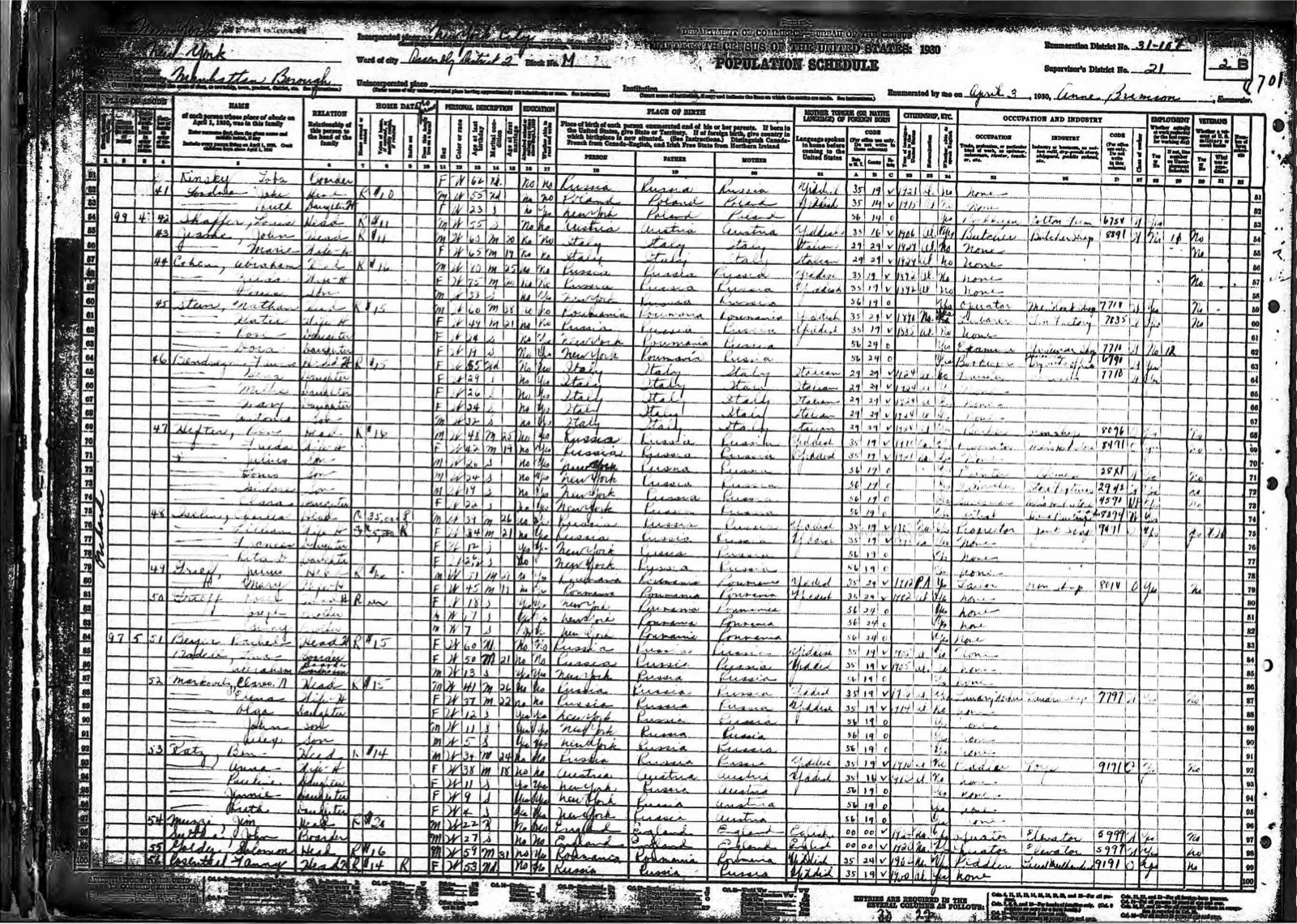
These sources are public benchmark or archive images. They show the messy reality: boxed handwriting, cursive notebooks and row-heavy forms.
Best fit for intake forms, service forms, patient/admin fields, sign-in sheets and inspections completed by hand.
Source: NIST SD19 handwriting sample image.
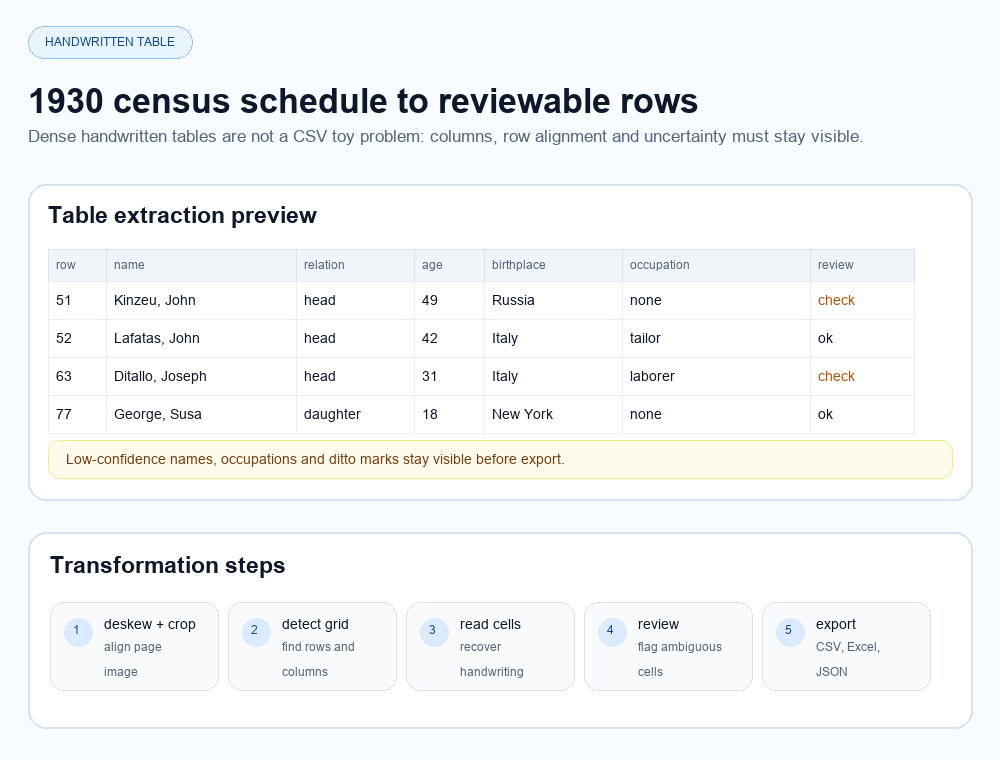
Best fit for archive registers, paper rosters, handwritten logs and legacy tables where row alignment matters as much as text OCR.
PDF, scan, image or web file.
Fields, tables, handwriting and source regions.
Rows, text, Markdown and JSON.
Uncertain cells stay visible.
Excel, CSV, Word, Markdown, JSON.
Handwriting quality, scan resolution, skew, stamps, bleed-through, language and cursive style all affect output. DocUnlocked should sell reviewable recovery, not certified perfect transcription.