Add what is missing
Draw or import a visual signature. Add text, a date, a checkmark or an image. Position and resize additions, then save a separate copy.
See Sign & fillThe new update is awaiting Google Play approval. Sign & fill, images and symbols will be available once it is published.
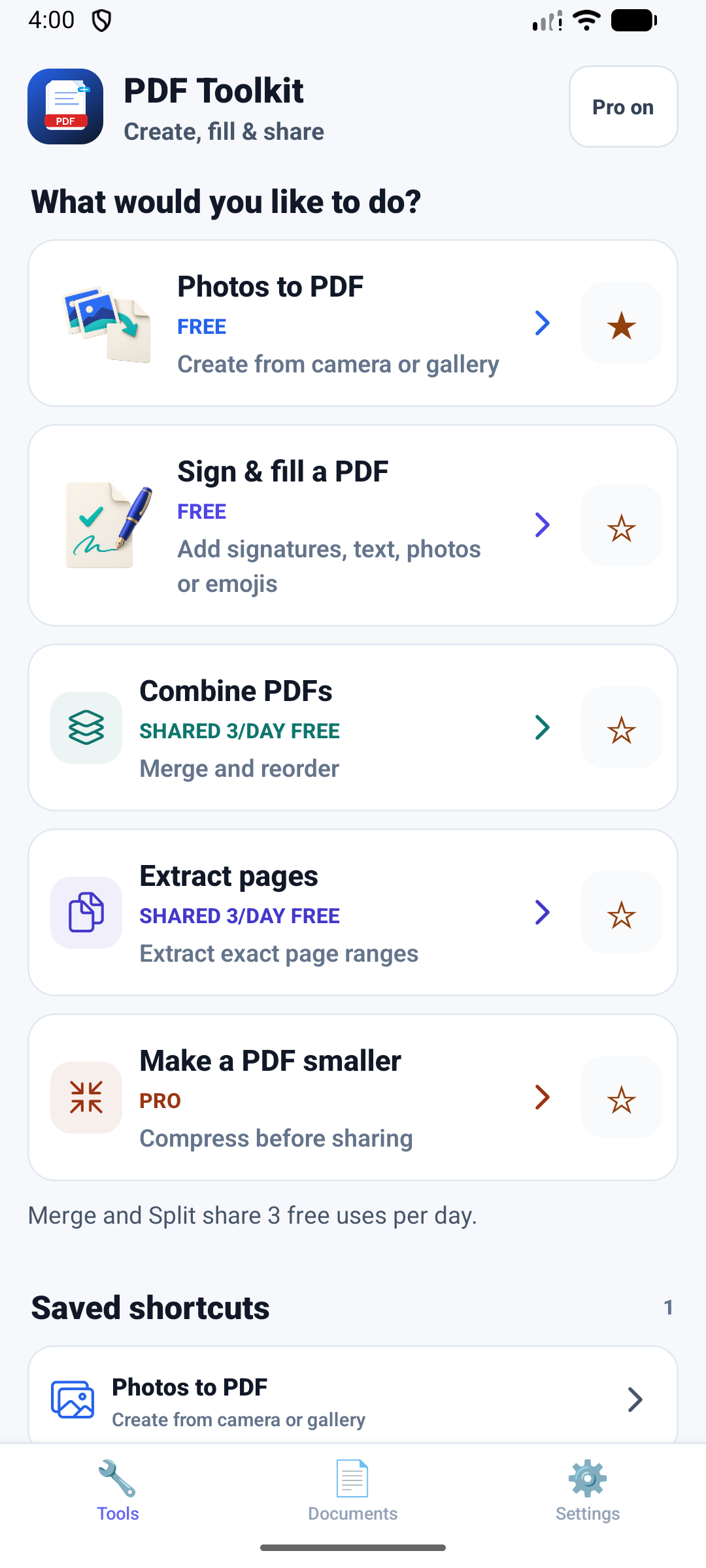
Create, fill, sign and organize your PDFs. Add images, combine files, choose the pages you need or reduce file size. Save and share from your phone.
 Free download for Android
Create PDFs from photos for free. Merge and Split share 3 free operations per day.
Draw or import a visual signature. Add text, a date, a checkmark or an image. Position and resize additions, then save a separate copy.
See Sign & fillAdd a photo from your device or choose one of nine built-in emojis and symbols. They become part of the saved PDF.
English, French, Spanish, German, Portuguese or Italian. Follow your device language or choose in Settings. Your documents are not translated.
Illustrated guides to the workflow, using fictional documents.
No. Compression optimizes the PDF structure. Results depend on the file; scanned or photo-heavy PDFs may not become smaller.
Sign & fill adds text and images on top of a page. It does not correct existing text, perform OCR or securely redact information. A drawn signature is a visual mark, not a digital certificate.
Create PDFs from JPG images and phone photos for everyday admin tasks.
Merge and reorder documents, extract the pages you need, or use Pro to compress a PDF. Your existing tools remain available.
Install the app and start with the core PDF tools. No account or subscription required.
Turn receipts, forms, IDs, school pages and business paperwork into PDFs you can send or upload.
Download free and start with the core PDF tools. No account or recurring subscription is required.
PDF tools process your files on your phone. You choose when to share or export them.