1. Open a PDF
Choose Sign & fill, then select a PDF from the Android file picker. Your original file is kept.
The new update is awaiting Google Play approval. Sign & fill, images and symbols will be available once it is published.
Fill a form or add context to a document. Place what you need, save a copy, and check it before sharing.
No account required for local PDF tools.
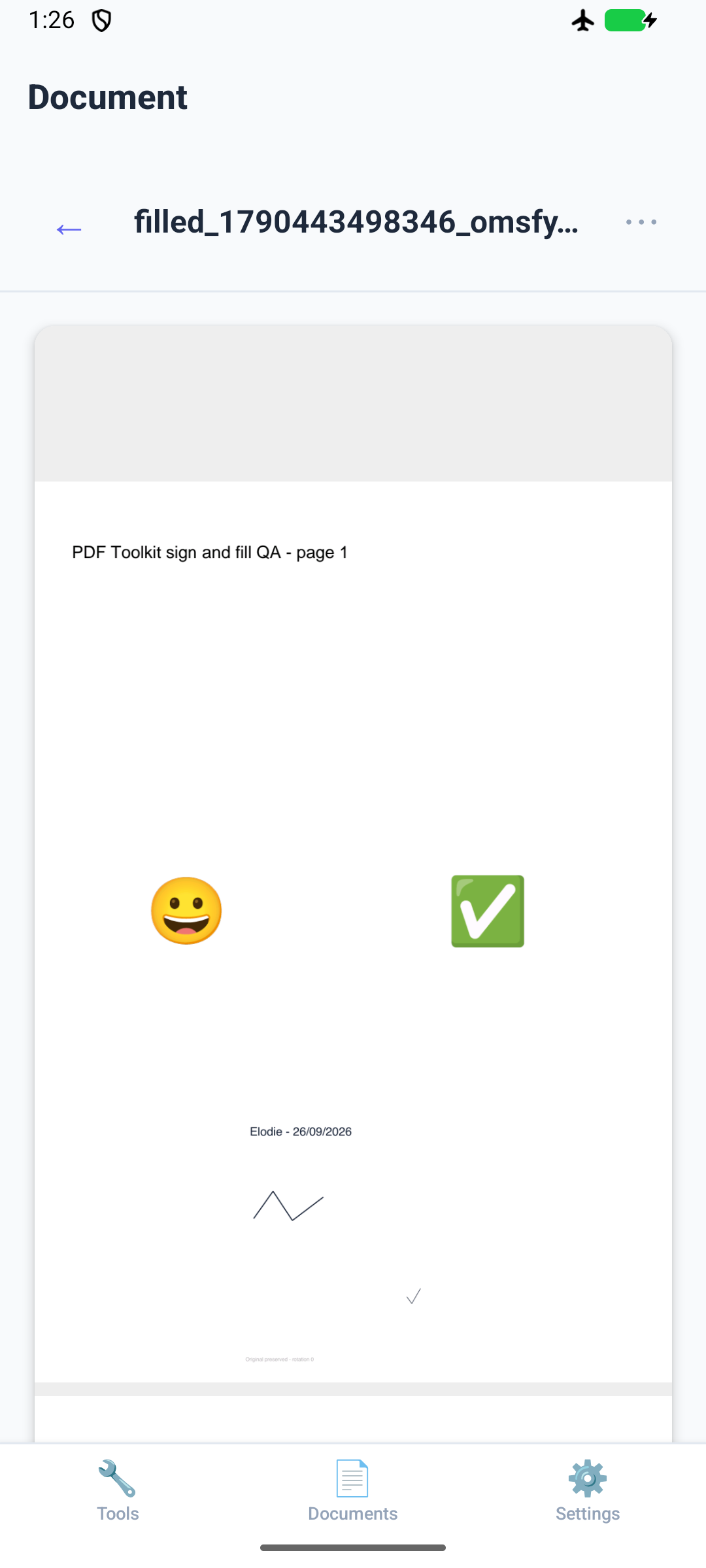
Choose Sign & fill, then select a PDF from the Android file picker. Your original file is kept.
Draw or import a signature, or add text, a date, checkmark, photo or built-in symbol. Select an item and tap the page to position it. Use the arrows and size controls for adjustments.
Choose Save a copy, then Open saved copy. Check placement on the finished PDF. Share the saved copy only when you are ready.
Smile, thumbs up, heart, star, check, cross, warning, right arrow and pin. Symbols are stored in the app and incorporated into the saved PDF.
English, French, Spanish, German, Portuguese and Italian are available in Settings. Automatic follows your device. This changes the app interface, not the document content.
Sign & fill adds content to a page. It does not replace existing PDF text, perform OCR, or securely hide information. A visual signature is not a digital certificate. There is no remote signature-provider connection in this release.
Photos to PDF, camera capture, merge and reorder, page extraction, document history, favorites and sharing remain available. Photos to PDF is free; Merge and Split share three free operations per day. Compression requires Pro. This update does not change pricing or allowances.
Explore all PDF tools